
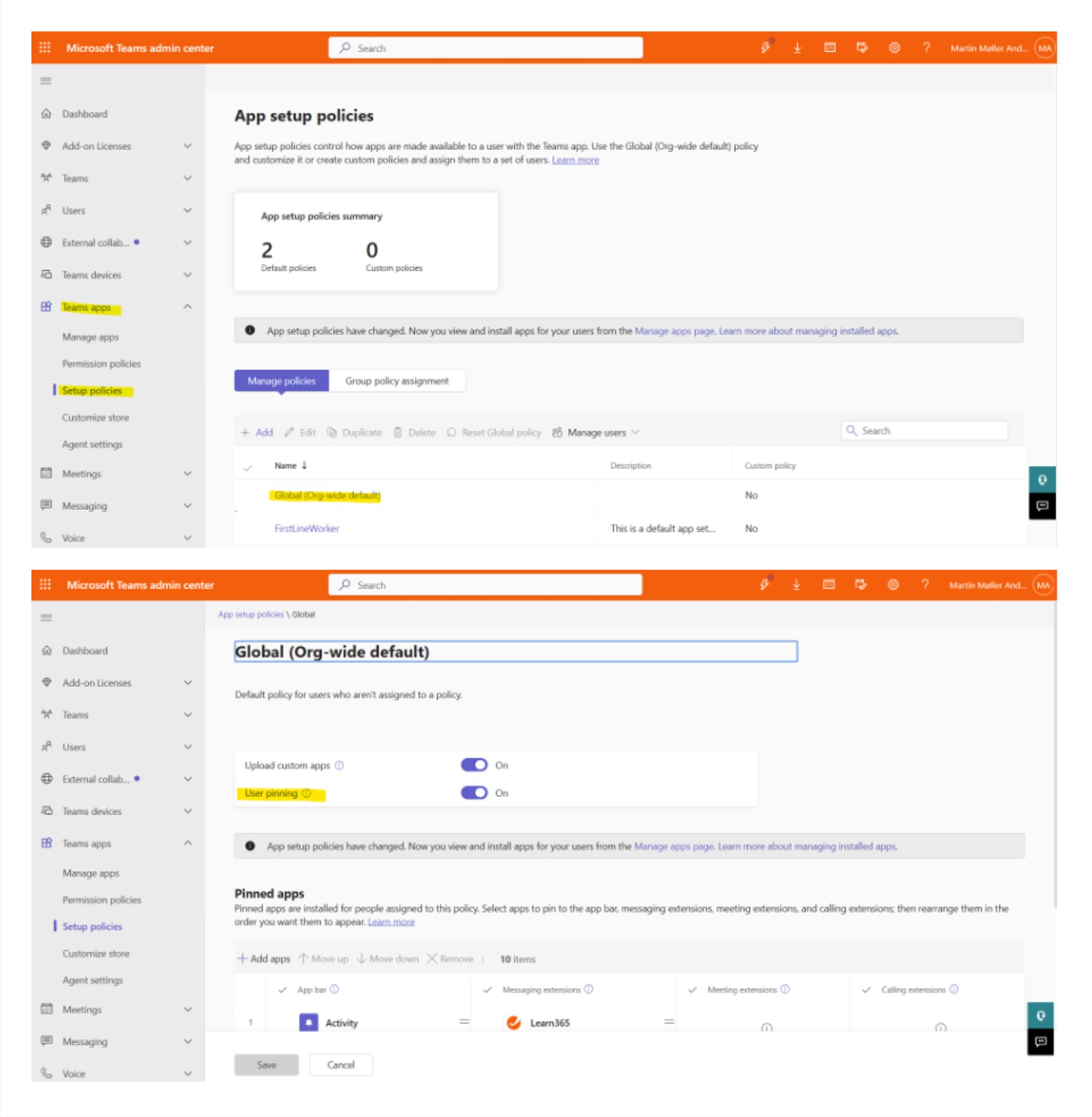
To pin the Learn365 app to the taskbar, navigate to the Microsoft Teams admin center, then in the left-side menu, go to Teams apps → Setup policies.
-
Select the Global (org-wide default) policy
-
Move the User pinning toggle to the 'On' position
Need additional support?
We are happy to help! Please reach out to partner success team on
marketplace@zensai.com